Most companies that receive more than a handful of applications use an applicant tracking system, or ATS. When you upload a resume, the ATS pulls it apart into fields — name, phone, email, job titles, dates, skills — and stores it in a database. Recruiters then search and filter that database, much like you search a job board.
That has two consequences. First, if the system cannot read your resume cleanly, your details end up in the wrong fields or go missing. Second, if your resume does not use the words a recruiter searches for, it may never come up. An ATS-friendly resume solves both problems without turning into a list of keywords.
What an ATS actually does with your resume
There is a common belief that a robot reads your resume and rejects it automatically. In practice, most screening is done by people using search and filters. Some systems add knockout questions — notice period, location, work authorisation — and a few rank applicants by how closely they match the job. Either way, the goal is the same: be readable by the parser and be findable by the person.
Formatting that keeps parsing clean
Parsers are good at simple documents and bad at clever ones. These rules cover nearly every problem we see:
- Use a single-column layout. Two columns, tables and text boxes are often read left to right across both columns, which scrambles your experience.
- Use standard section headings: Summary, Experience, Education, Skills, Projects, Certifications. Creative names like "My Journey" may not be recognised.
- Keep contact details in the body, not in the page header or footer, which some systems skip.
- Never put text inside images, icons or charts. Skill bars and star ratings carry no information a parser can read.
- Write dates the same way every time, such as "Jan 2024 – Mar 2026", and put them next to the job title.
- Send a text-based PDF unless the posting asks for DOCX. If you can select and copy the text in your PDF, a parser can read it too.
Use the language of the job description
Recruiters search for the terms in their own job description. If the posting says "stakeholder management" and your resume says "worked with different teams", you describe the same skill but will not match the search. Read the posting twice, note the skills and tools it repeats, and use those exact words wherever they truthfully describe your work.
Spell out abbreviations once, especially for certifications and tools that are searched both ways: "Search Engine Optimisation (SEO)" or "Amazon Web Services (AWS)". It costs a few characters and covers both searches.
Write bullets that show outcomes
Keywords get you found; outcomes get you shortlisted. A useful pattern is action, then what you did, then the result or scale. You do not need dramatic numbers. Scale, frequency and before-and-after comparisons work just as well.
- "Handled customer queries" becomes "Resolved 40–50 customer tickets a day across email and chat, keeping first-reply time under two hours."
- "Worked on the website" becomes "Rebuilt the product listing pages in React, cutting page load time on mobile by roughly half."
- "Helped with hiring" becomes "Screened applicants and scheduled interviews for six open roles during a quarter of fast growth."
Only use numbers you can explain in an interview. An estimate stated honestly ("roughly half", "about 40 a day") is better than a precise figure you cannot back up.
Keep the skills section scannable
Group skills into short labelled lines — Languages, Tools, Frameworks, Domains — rather than a single long paragraph. List skills you could discuss for five minutes. Padding the list with tools you touched once makes the whole section less believable.
A two-minute check before you send
- Copy all the text from your PDF and paste it into a plain text editor. Does it come out in a sensible order?
- Check that your name, phone and email appear as plain text near the top.
- Compare your resume with the job description and confirm the top five skills appear in your words.
- Name the file clearly, for example "Priya-Sharma-Data-Analyst-Resume.pdf".
For a second opinion, upload your resume to our free ATS resume checker. It needs no sign-up and lists every issue it finds with how to fix it.
An ATS-friendly resume is not a different resume. It is a clear resume with no surprises for the software and the right words for the person searching.
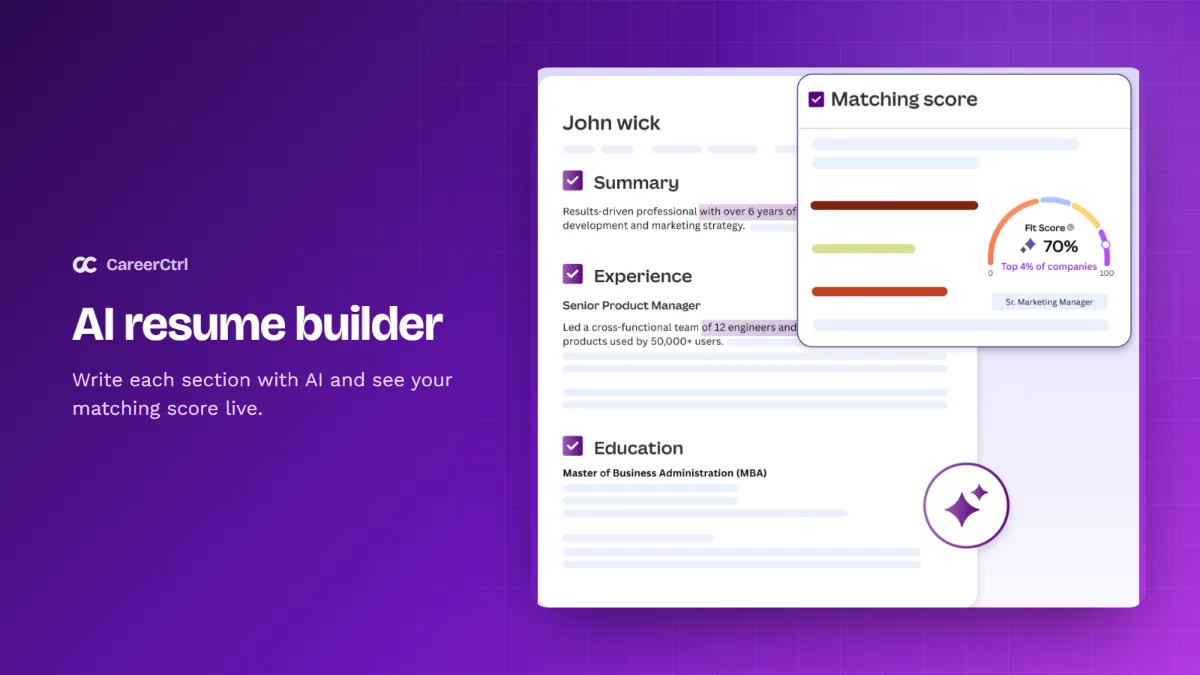
Browse ATS resume templates: Resume Studio's templates are single-column and parser-safe. Paste a job description to see your matching score, then export a clean PDF.