Find jobs that fit, apply with Easy Apply and an AI cover letter, and get found by recruiters: set your job search status, preferences and see profile views.
Find the Right Job, Not Just the Next Job
Discover roles matched to your skills, filter and share your searches, and apply with Easy Apply using your portfolio or resume and a cover letter drafted by AI. When you're ready, let recruiters find you.
Find the right role, apply with your portfolio or resume, and let AI draft the cover letter.
Jobs N Frontend DeveloperNorthwind · Bengaluru Easy ApplyHybrid2–4 yrs About the role Hiring team Apply to Northwind Send with My CareerCtrl portfolio Resume.pdf Cover letter written with AI Save draftSubmit
Easy Apply
Apply with your portfolio and an AI cover letter
On jobs marked Easy Apply, send the employer your CareerCtrl portfolio or a resume, answer any screening questions and add a cover letter. Write with AI drafts one from your resume or portfolio and the job description, ready for you to edit.
Send your portfolio or a PDF resume
AI cover letter for the job
Add your portfolio link
Review before you submit
My Jobs Applied 12Saved 5Drafts 2 B UI EngineerBrightline Labs Continue N Frontend DeveloperNorthwind Continue Draft saved BUI EngineerStep 2 of 3 Screening questions Save and closeNext
Drafts
Save it and finish later
Not ready to send? Choose Save and close and your application waits in My Jobs under Drafts, cover letter and all.
Save and close at any step
Drafts tab in My Jobs
Pick up where you left off
Jobs48 jobs frontend developer Easy Apply onlyRemote0–2 yrs Sort byNewest N Frontend DeveloperNorthwind · Remote T React DeveloperTidewave · Remote B UI EngineerBrightline Labs · Remote Share this searchcareerctrl.com/jobs?q=frontend&mode=remote&exp=0-2&easy=1 3 filters · NewestCopy link Search link copied
Filters and sharing
Narrow it down, then share the search
Filter by work mode, experience, posting date, company type, industry, department and location, or show Easy Apply jobs only. Sort by newest or relevance. Your filters stay in the link, so a search or a single job is easy to share.
Easy Apply only filter
Sort by newest or relevance
Searches you can share as a link
Share this job
Get found by recruiters
When you're ready, let recruiters come to you. You choose when you're visible, what they see and which companies can't find you. See how recruiters search.
Job search status Immediately looking Recruiters can find you Not actively looking, but open Hidden from recruiters Blocked companies A Acme CorpCurrent employer Ananya Sharmaingh UI EngineerBengaluru, Karnataka Immediately looking EmailShared PhoneHidden
Job search status
Decide when recruiters can find you
Choose Immediately looking and recruiters using CareerCtrl Recruit can find you in search, job matches and talent pools, and invite you to apply. Choose Not actively looking but open and you're hidden from recruiters, while job recommendations keep coming.
Switch your status any time
Block companies, like your current employer
Share your email and phone only if you want
Apply to any job either way
Job preferences Desired roles Frontend DeveloperUI Engineer Preferred locations BengaluruPune Work mode HybridRemoteOn-site Notice period30 days RelocateYes Salary Expected salary₹12–15 LPAShown while immediately looking Show current salary
Job preferences
Tell recruiters what you're looking for
Add the roles you want, where you'd like to work, your expected salary, notice period, job type, work mode, shift and experience. Recruiters filter on these, so the right searches find you. Your expected salary shows only while you're immediately looking, and your current salary stays hidden unless you choose to show it.
Desired roles and preferred locations
Expected and current salary, with privacy
Notice period and willing to relocate
Job type, work mode and shift
Profile 85% Profile strengthOne step to go Skills Experience Add job preferences+15% Email verified Verify your emailCode sent to ananya.s@mail.com 482916 Verify
Profile strength
Know what's missing from your profile
Profile strength shows how complete your profile is and the next steps to finish it, from skills and experience to job preferences. Complete profiles rank higher when recruiters search. Verify your email in the app with a 6-digit code: only verified profiles appear to recruiters.
Profile performance shows how often you appeared in recruiter searches and what recruiters did next, over the last 7, 30 or 90 days. See the keywords recruiters searched you for, which companies viewed, saved, shortlisted or invited you, and your activity level with tips to stay visible. Recruiter names are never shown.
Search appearances and recruiter actions
Top keywords recruiters used
Companies that took action
Activity level with tips
Why Job Seekers Choose CareerCtrl Jobs
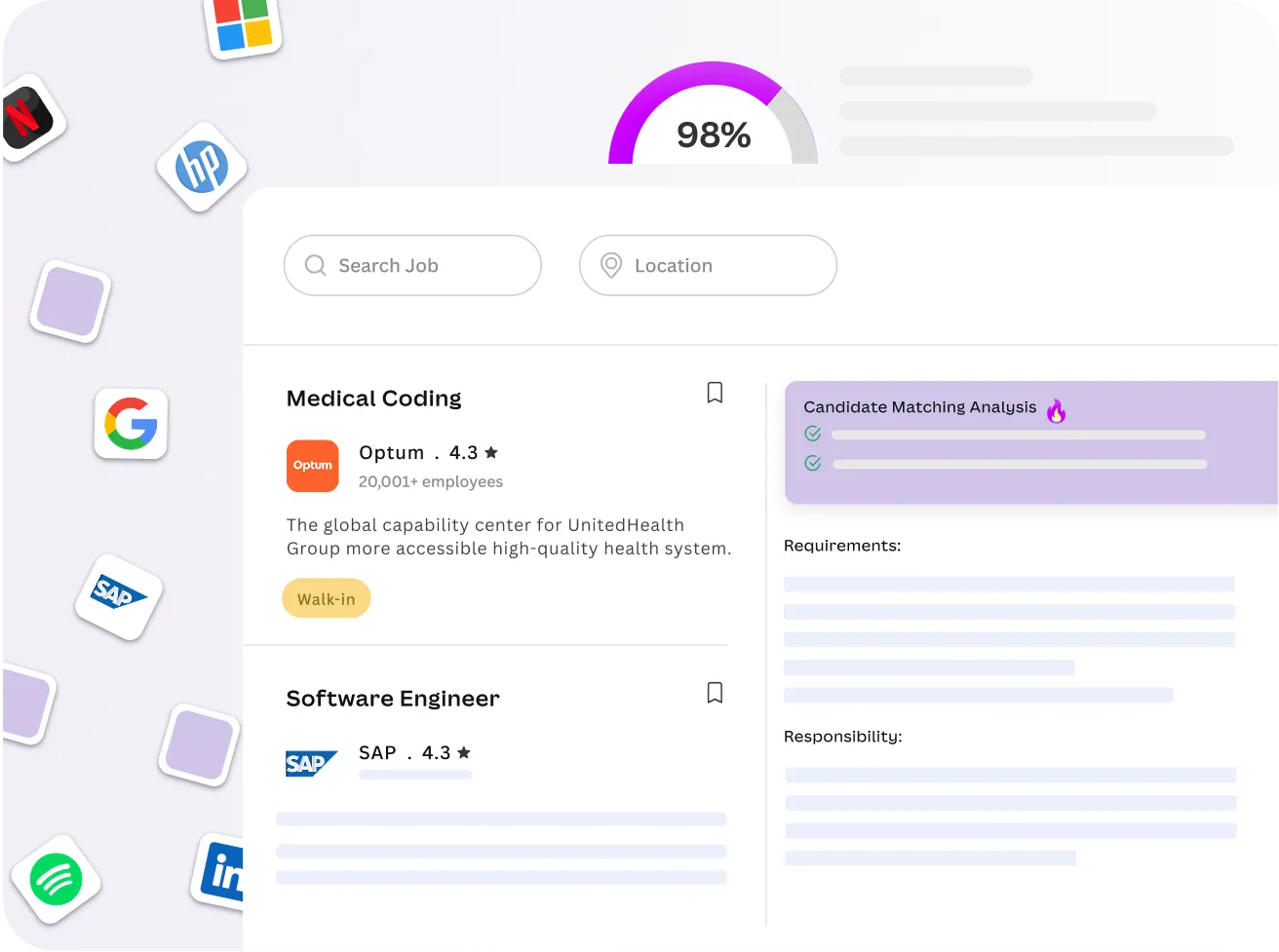
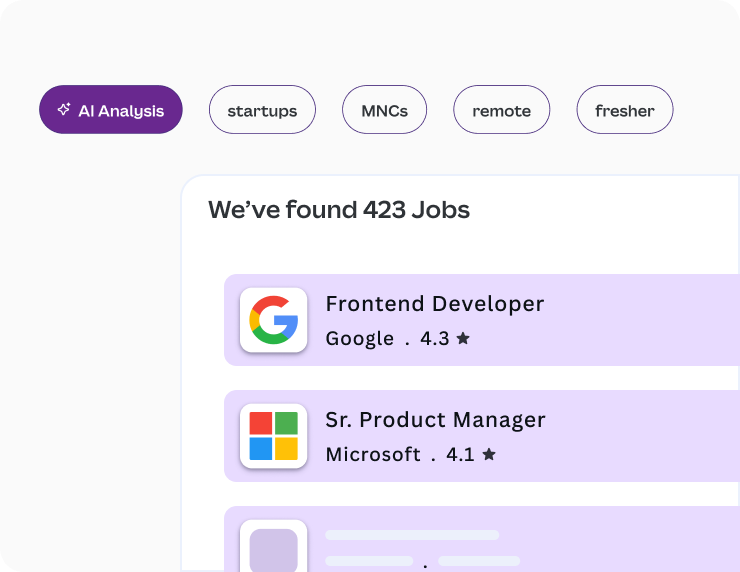
Find Relevant Opportunities Faster
Explore jobs across startups, MNCs, remote roles, engineering careers, data careers, and fresher opportunities from one centralized workspace.
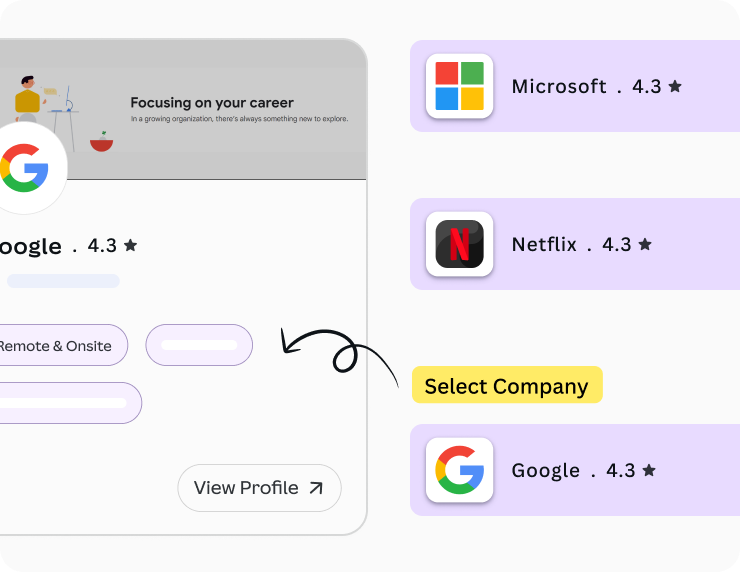
Discover Companies Worth Working For
Explore companies, browse active openings, and uncover opportunities that align with your interests, goals, and preferred career path.
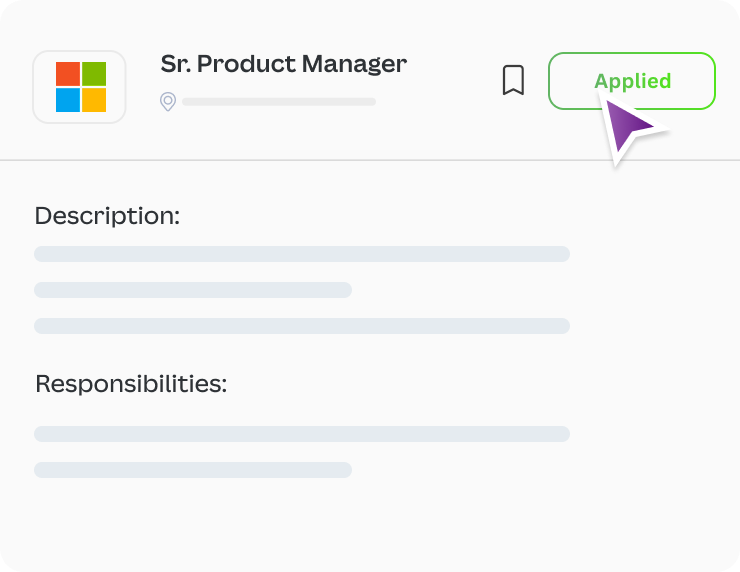
Save And Manage Opportunities In One Place
Keep track of the roles that matter with clear organization that guides you from where you are today to where you want to be.
CareerCtrl Jobs helps you discover relevant opportunities, explore companies, save interesting roles, and manage your job search from a single career-focused workspace. Browse opportunities across different industries, career paths, and experience levels.
What types of jobs can I find on CareerCtrl?
You can explore opportunities across startups, MNCs, remote companies, engineering roles, data careers, project management positions, sales roles, IT careers, and fresher opportunities.
Are the jobs updated regularly?
Yes. CareerCtrl works with trusted third-party job sources to provide access to recent opportunities and help keep listings relevant as new openings become available.
As CareerCtrl scales its operations in its MVP stage, we are actively expanding our integrations and partnerships with additional job boards and opportunity providers. While the current job database may be more focused today, our goal is to continuously increase coverage across industries, locations, and career paths as the platform grows.
What is the "For You" section?
For You matches jobs to your skills, experience, education and projects. Choose whether matches use your CareerCtrl portfolio or your resume.
What is My Jobs?
My Jobs is your personal workspace for the jobs you've saved, the ones you've applied to and your draft applications, so you can finish an Easy Apply application later.
Can I use my CareerCtrl Portfolio while applying for jobs?
Yes. On Easy Apply jobs you can send the employer your CareerCtrl portfolio instead of a resume, and any application can include your portfolio link. Write with AI can also draft your cover letter from your portfolio and the job description.
What is Easy Apply?
Easy Apply lets you apply without leaving CareerCtrl. Add your contact details, choose your portfolio or a PDF resume (up to 5 MB), answer any screening questions, add a cover letter and review before you send. You can save a draft and finish it later from My Jobs.
Can recruiters find me on CareerCtrl?
Only if you choose. Set your job search status to Immediately looking and verify your email, and recruiters using CareerCtrl Recruit can find you in candidate search, job matches and talent pools, and invite you to apply. Choose Not actively looking but open to stay hidden from recruiters while you keep getting job recommendations.
Can I stop my current employer from finding me?
Yes. Add the company to Blocked companies in your job search status, up to 50 companies. Recruiters from a blocked company never see you in their searches, and common spellings of the name are covered too.
Do recruiters see my salary and contact details?
Your expected salary is shown to recruiters only while you're immediately looking, and your current salary stays hidden unless you choose to show it. Your email and phone are hidden unless you turn on sharing; recruiters can still invite you to apply through CareerCtrl.
What is profile performance?
It's a page in your profile that shows how often you appeared in recruiter searches and what recruiters did next (profile views, invites, saves, shortlists and resume downloads) over the last 7, 30 or 90 days. It also lists the keywords recruiters searched you for and the companies that took action. Recruiter names are never shown.
Is CareerCtrl Jobs free to use?
CareerCtrl offers free access with usage limits. Additional features, expanded access, and future premium capabilities may become available through paid plans.
Does CareerCtrl Jobs directly hire or recruit candidates?
No. CareerCtrl is a career platform that helps users discover opportunities, explore companies, and manage their job search. Hiring decisions are made by the employers posting opportunities.
Is CareerCtrl Jobs suitable for students and fresh graduates?
Yes. CareerCtrl is designed to support students, fresh graduates, career switchers, and professionals by making it easier to discover relevant opportunities and stay organized throughout the job search process.
How do I find fresher jobs in India?
Search CareerCtrl Jobs by role and city, filter by experience level, and save the roles that match. Keep your profile and skills complete so the match score and recommendations stay accurate, and tailor your resume for each application.
Is CareerCtrl Jobs fully complete?
CareerCtrl Jobs is growing. Job discovery, filters, For You matches, saved jobs, Easy Apply, application drafts, job search status, job preferences and profile performance are available today, and we keep adding coverage and tools.
How can I post a job on CareerCtrl?
Employers post jobs with CareerCtrl Recruit, our applicant tracking system at careerctrl.com/recruit. Open jobs appear on CareerCtrl Jobs, and Easy Apply applications go straight into the employer's hiring pipeline.

 Hiring team Apply to Northwind Send with My CareerCtrl portfolio Resume.pdf Cover letter written with AI Save draftSubmit
 Applied 12Saved 5Drafts 2 B UI EngineerBrightline Labs Continue N Frontend DeveloperNorthwind Continue Draft saved BUI EngineerStep 2 of 3 Screening questions Save and closeNext
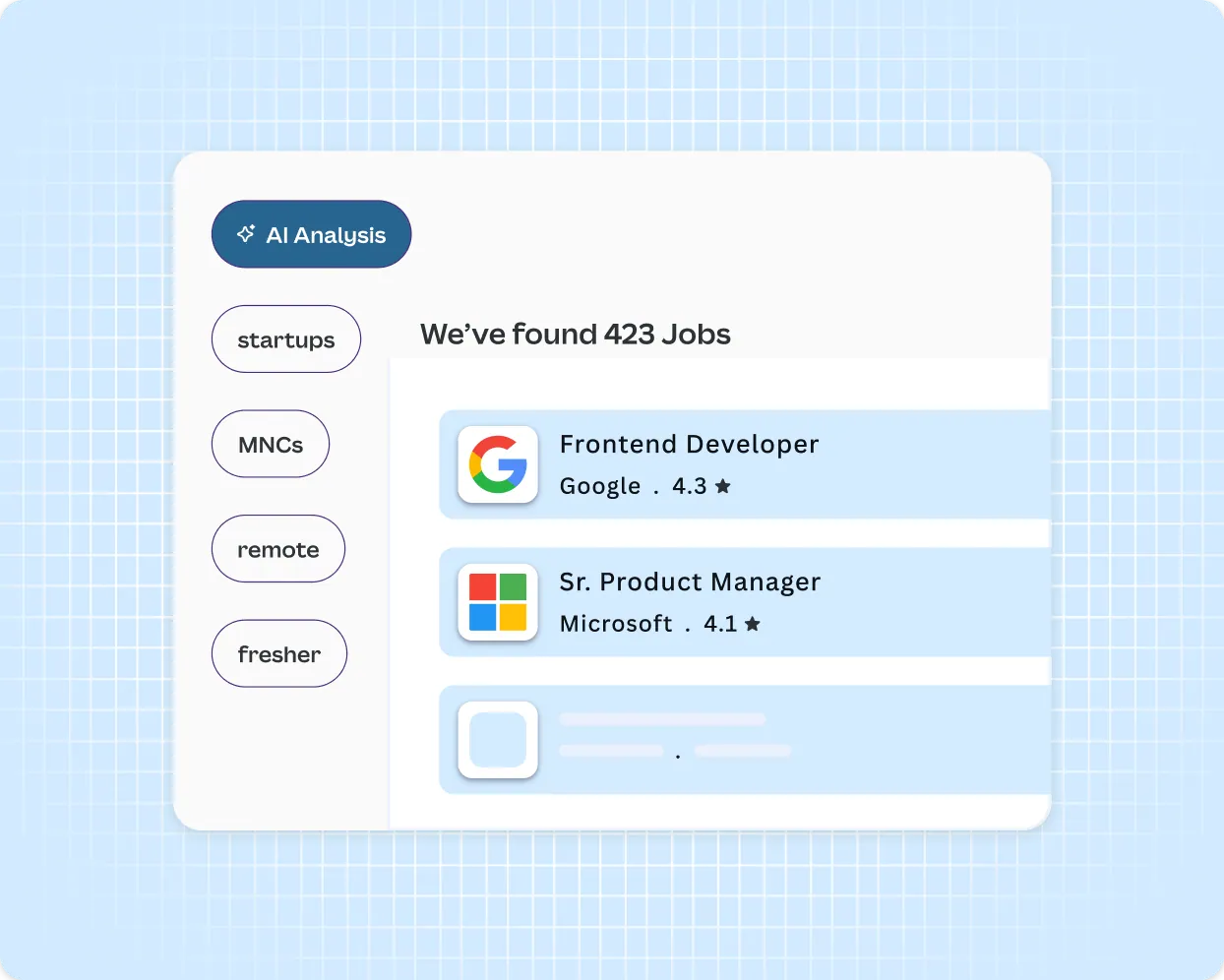 Career Discovery
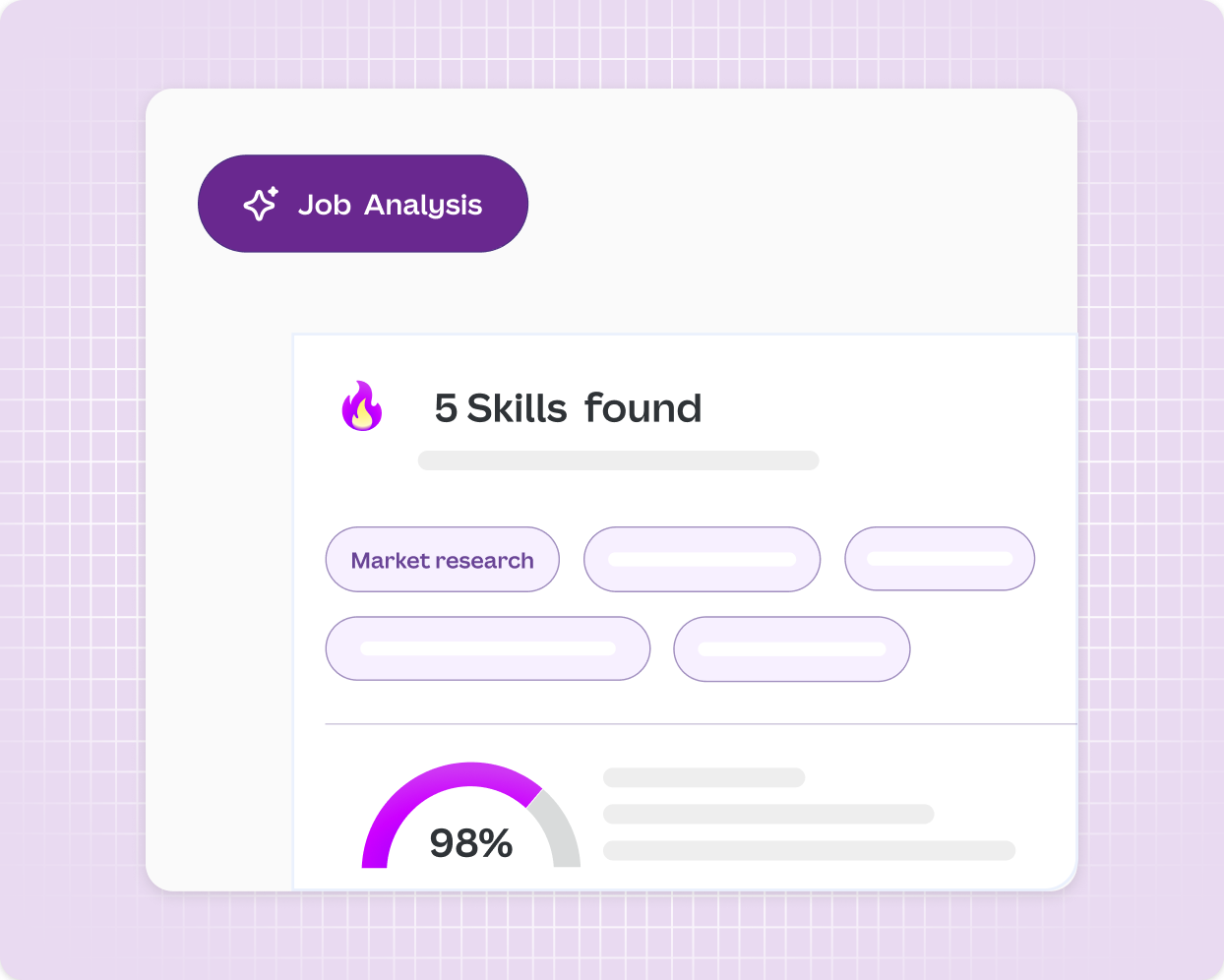 Personalized Jobs
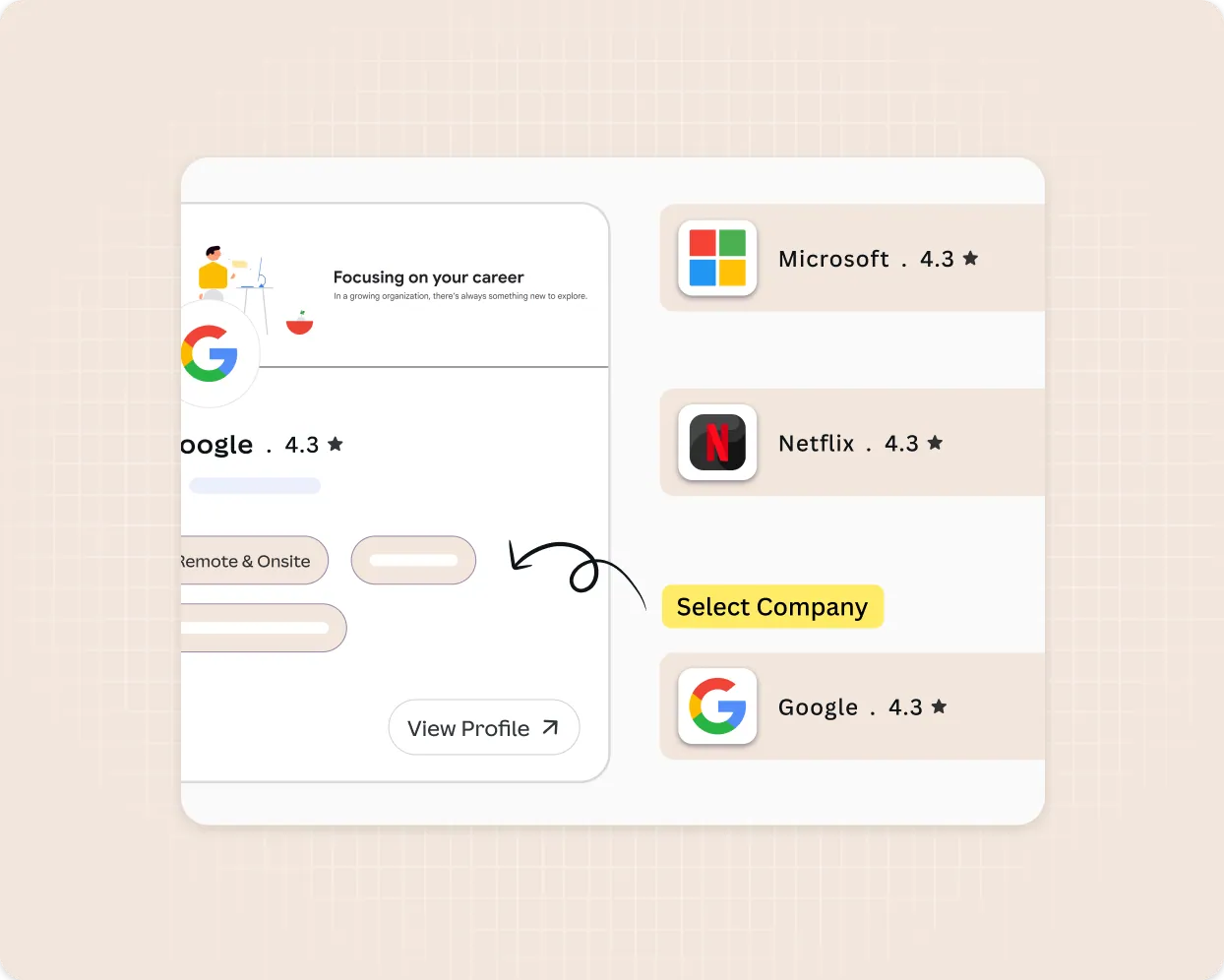 Company Discovery
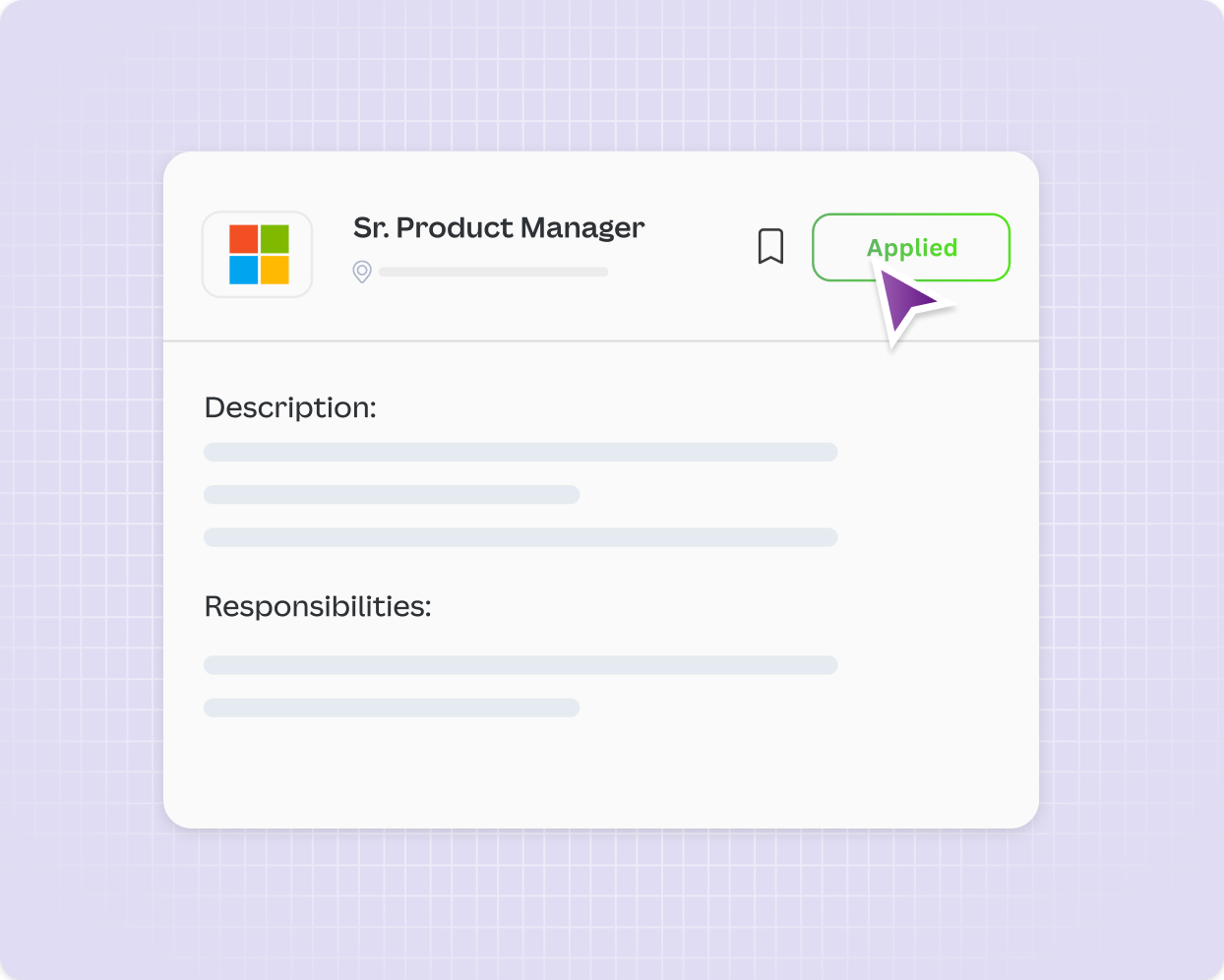 Opportunity Management