Few things make an agency look disorganised faster than a client replying, "You sent us this person last month." Sometimes it is worse: a different agency sent them first, and now there is a question about who introduced the candidate. Either way, the client starts to wonder what else you are not tracking.
Why duplicates happen
Duplicate submissions are rarely carelessness. They come from ordinary agency conditions:
- Two recruiters work different roles for the same client and source from the same pool.
- The same candidate exists twice in your database, once from a spreadsheet and once from a resume upload, so a search shows no history on the copy you found.
- Submissions were made by email and never recorded against the candidate.
- Months pass, a role reopens, and nobody remembers the earlier submission.
Check before anything goes out
In CareerCtrl Recruit, when you select candidates to send to a client — up to 50 in one shortlist — Recruit checks whether any of them were already submitted to that client and flags them before anything is sent. You can then leave them out, or include them deliberately if the client has asked to see someone again.
Because the check runs at the moment of sending, it does not depend on anyone remembering to look. That is the point: the process catches it, not a person.
Fix the database, not just the send
A prior-submission check works on the candidate record. If the same person exists as two profiles, the check can only see the history on one of them. So the second half of the fix is a clean database.
- Review duplicate groups regularly. Recruit groups likely duplicates by phone number, LinkedIn URL, or name plus one more detail.
- Merge confirmed duplicates so submissions, notes and history sit on one profile.
- Pay attention to identity warnings. If a phone number or resume file you are saving belongs to a different person on the platform, you are warned before saving, without the other record being shown.
- Send every submission through Recruit, never by direct email, so there is always a record.
Agree the rules with your clients
Software prevents your own duplicates. It cannot settle disputes with other agencies. For that, agree candidate ownership terms with each client at the start: how long a submission stands, and what counts as an introduction. Keep those terms in the client's profile so every recruiter on the account can find them.
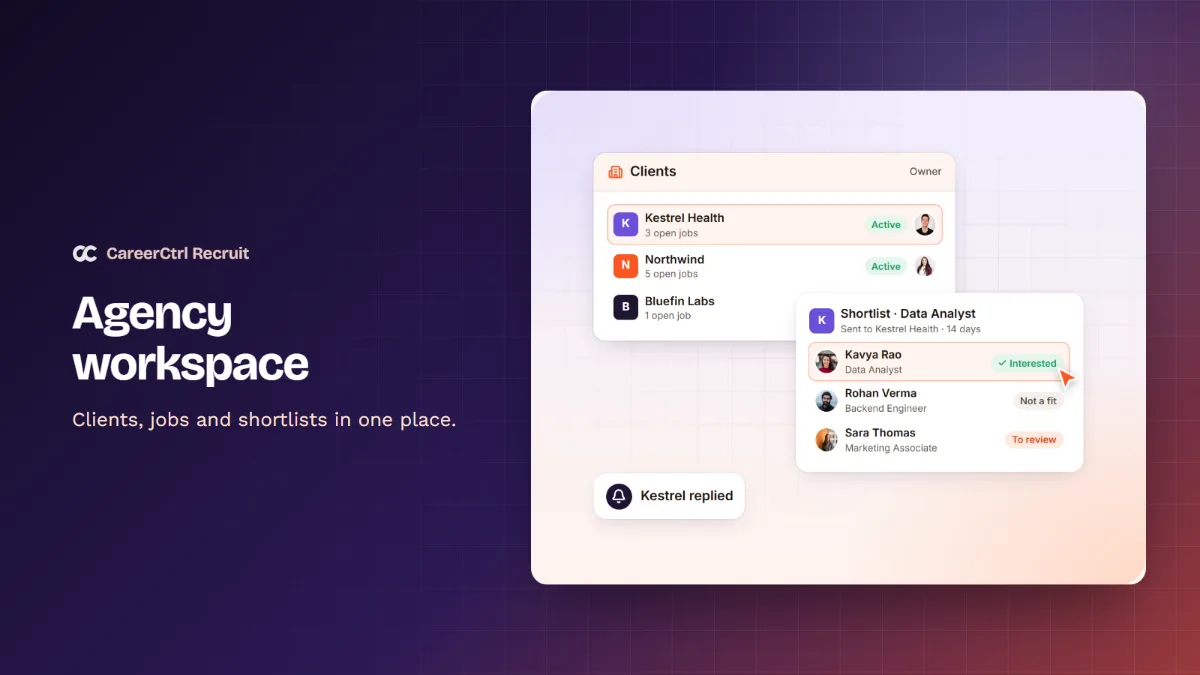
Know your submission history at a glance
The Client submissions report shows what you have sent to each client and what happened next. Before a review meeting with a client, it is a quick way to check your record and come prepared with the facts.
When a client asks to see someone again
Not every repeat is a mistake. A client may want to reconsider a candidate for a new role, or a candidate's situation may have changed since the first submission. In that case, include them deliberately and say so in your note to the client: when they were first sent, and what is different now. Being upfront turns a potential awkward moment into a sign that you know your history with them.
The payoff
Removing duplicate submissions does not just avoid an embarrassing email. It lets recruiters source freely from the shared database without worrying about stepping on each other, and it gives clients one more reason to trust your shortlists.
The best protection against duplicate submissions is a check nobody has to remember to run.
Book a demo: We'll set up a client, submit a shortlist and show you the check catching a duplicate in a 30-minute demo.