Look at where time goes between a candidate being shortlisted and an offer, and two gaps usually stand out. The first is booking: emails back and forth to find a slot. The second is feedback: interviews happen, and then nobody writes anything down for three days. Both are fixable with process, and both are supported directly in CareerCtrl Recruit.
Let candidates pick the time
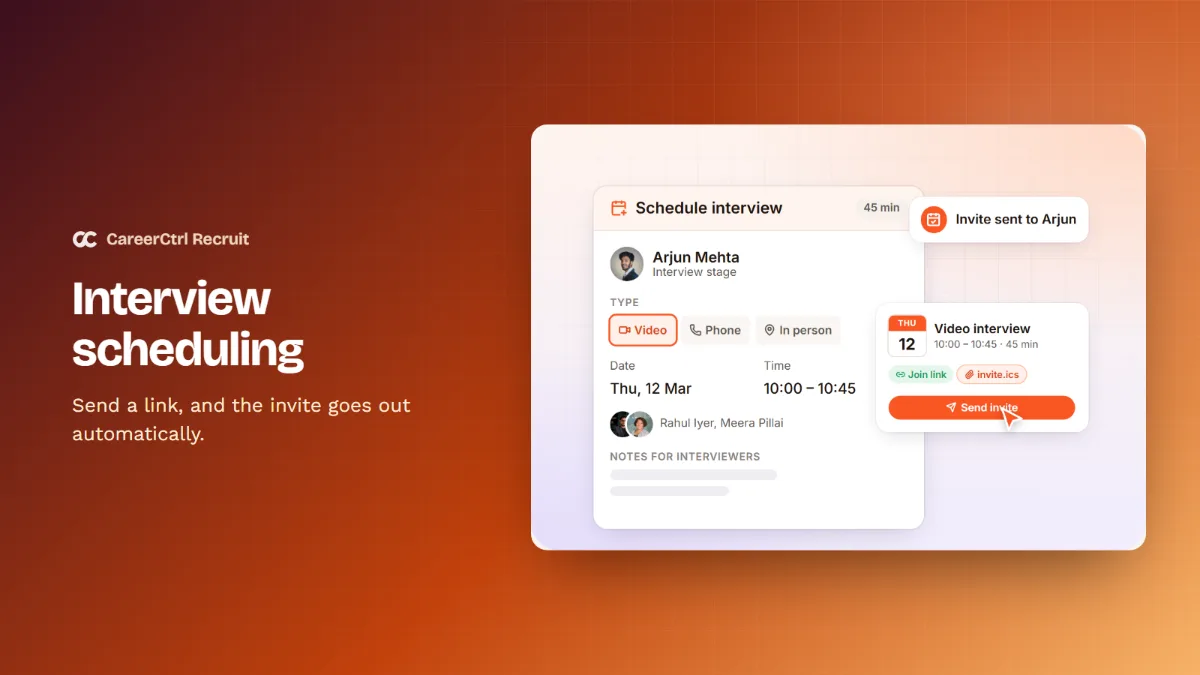
Instead of proposing a time and waiting, offer two or more slots and send the candidate a Pick a time link. They choose the slot that suits them, the interview is booked, and you are notified straight away.
- Offer slots across at least two days, including one early or late option for candidates who are currently employed.
- The link closes 30 minutes before the last slot you offered, so you are never surprised by a last-minute booking.
- Candidates receive an email with an .ics calendar invite and the join link or address.
Interviews can be video with a join link, phone, or in person with an address. If you need to cancel, record a reason and choose whether to tell the candidate; the calendar invite updates either way.
One calendar for every interview
Every interview appears in one calendar you can view by month, week, day or as an agenda. Each carries a clear status — Scheduled, Completed, No-show or Cancelled — so the team can see at a glance what happened and what is next. The Upcoming Interviews widget on the dashboard shows who you are meeting today.
Score every interview the same way
Unstructured feedback ("Seemed good, nice person") is hard to compare and easy to bias. A scorecard asks each interviewer to rate the same criteria for every candidate on a job, which makes the final decision a comparison of evidence rather than impressions.
In Recruit, each job has a scorecard with up to 10 criteria. It starts with Technical, Problem solving, Communication and Culture, and you can adjust them to the role. Interviewers rate each criterion and give an overall recommendation: Strong yes, Yes, No or Strong no.
Writing good criteria
- Tie each criterion to something in the job description.
- Keep it to four to six for most roles. Ten is a maximum, not a target.
- Give each interviewer a focus, so the HR round and the final round are not asking the same questions.
Get feedback in on time
The Feedback due page lists every interview still waiting for feedback. Make checking it part of the daily routine: a short nudge the same afternoon gets far better notes than a reminder three days later, when the interviewer has already forgotten the details.
A simple team rule helps: feedback within 24 hours of the interview, before discussing the candidate with anyone else. Writing first, then talking, keeps one strong opinion from shaping everyone else's scores.
Use the email templates
Start invitations from the interview invitation email template, so every candidate gets the same clear details: the role, the format, how to join and who they will meet. Consistent invites mean fewer reply emails asking for the link.
Watch the numbers
The Interviews report shows interview activity across your jobs, and Time to hire shows whether these changes are shortening the process. Look at both after a month, compare with the period before, and adjust.
Every day a strong candidate spends waiting on you is a day another company can make them an offer.
Book a demo: We'll send you a Pick a time link from a test job and walk through scorecards and Feedback due in 30 minutes.