To make a resume for free, use a free resume builder that exports a text-based PDF with no watermark, start from a simple one-column template, fill in your header, experience or projects, education and skills, check it against the job description, and download it as a PDF. A free builder can take you from a blank page to a clean, ATS-friendly resume in an afternoon. The tool handles layout, spacing and export; your job is to decide what goes on the page and to say it clearly. This guide walks through each step without paying for anything.
The steps work with any builder. Where it helps, we show how they work in the CareerCtrl AI resume builder, which has a free plan with usage limits.
What to look for in a free resume builder
Free tools vary a lot. Some let you build for free and then charge to download. Others export a PDF that looks fine but is an image underneath, so applicant tracking systems cannot read a word of it. Before you put an hour into any tool, check these points:
- Free PDF export with real text. If you cannot select and copy the text in the downloaded PDF, a parser cannot read it either.
- Single-column templates with standard section headings, so the layout is safe for applicant tracking systems.
- Multiple versions, so you can keep a base resume and tailored copies for different jobs.
- Import from an existing resume (PDF or DOCX), so you are not retyping everything.
- Some way to check your resume against a job description before you apply.
- Clear limits. A free plan with usage limits is fine, as long as you know what the limit is before you start.
- Choose a starting point
- Pick a template that parsers can read
- Write each section in the right order
- Check your resume the way an ATS would
- Tailor a copy for each job
- Export, name and send
Step 1: Choose a starting point
Most builders give you a few ways in. Pick the one that saves the most typing.
- Upload your current resume. In CareerCtrl you can upload a PDF or DOCX up to 10 MB and edit it in the builder. Check every field after the import — dates and job titles are the usual casualties.
- Start from LinkedIn if your profile is more up to date than your resume.
- Start from a template if you are writing your first resume, or your old one is beyond saving.
Step 2: Pick a template that parsers can read
The template decides how your resume looks, but it also decides whether software can read it. For most applications in India and the US, a simple single-column layout is the safest choice. Browse the resume templates by style or role, and if you are unsure, start with the ATS-friendly templates.
- One column for your experience. Two-column designs can look sharp but are riskier with older parsers.
- Standard headings: Summary, Experience, Education, Skills, Projects.
- No photo for US applications. In India a photo is optional and depends on the employer; leave it out unless the posting asks for one.
- One page if you have less than about five years of experience. Two pages are fine beyond that, as long as the second page earns its place.
Step 3: Write each section in the right order
Fill in the sections in the order a recruiter reads them. Short, specific lines beat long paragraphs everywhere on a resume.
Header
Full name, phone number, a professional email address, city and state, and a LinkedIn URL. Add GitHub, Behance or a portfolio link if it shows your work. You do not need a full postal address, date of birth or marital status.
Summary
Two or three lines: who you are professionally, your strongest skills for this kind of role, and one result or focus. Leave it until last — it is much easier to summarise a resume you have already written. Our resume summary examples cover more than twenty roles if you want a starting point.
Experience
List roles newest first, each with job title, company, city and dates. Under each, write three to five bullets that start with an action verb and end with a result or a sense of scale. Use the AI writer to turn rough notes into bullets, then edit them until every line is true and sounds like you.
Education
Degree, institution, year and — if it helps — your CGPA or percentage. Freshers put education above experience; everyone else puts it below.
Skills
Group skills into short labelled lines such as Languages, Tools and Domains. List only skills you could comfortably discuss in an interview.
Optional sections
Projects, certifications, publications, volunteering and languages all earn their space if they relate to the job. Hobbies rarely do, unless they show something the role needs.
Step 4: Check your resume the way an ATS would
Once the draft is done, run a check before you send it anywhere. In CareerCtrl, AI Tuner gives your resume an ATS score with a breakdown for keywords, impact strength, structure and ATS compatibility, and lists fixes under Fixes, Skills, Structure and Recruiter tips. You can apply a single fix with Fix with AI, or work through the whole list with Auto-adjust all. Every AI edit is highlighted, and you can compare before and after or undo the changes.
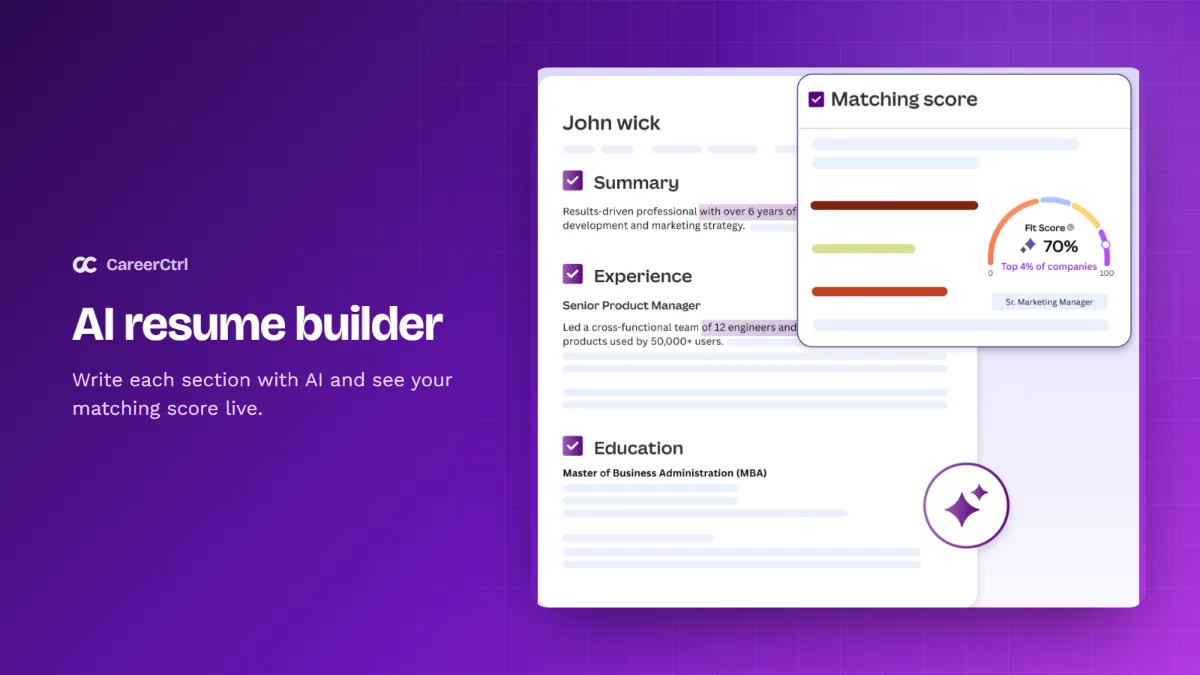
Treat the score as a checklist, not a grade. A higher score means fewer obvious problems; it does not guarantee an interview. The point is to catch missing keywords, weak bullets and formatting issues while they are still cheap to fix.
Step 5: Tailor a copy for each job
Keep one base resume and make a tailored copy for each role you care about. Paste the job description, compare the skills it asks for with what your resume says, and adjust your summary, skills and top bullets. AI Tuner's Tailor to a job option creates a tailored copy and leaves your original unchanged. Our guide to tailoring a resume to a job description walks through a full example.
Step 6: Export, name and send
- Download a PDF, unless the posting asks for DOCX.
- Open the PDF, select all the text and paste it into a plain text editor to confirm it reads in a sensible order.
- Name the file clearly, for example "Firstname-Lastname-Role-Resume.pdf".
- Write a short cover letter if the application allows one. The AI cover letter generator can draft one from your resume and the job description for you to edit.
- Apply, and keep a note of which version you sent where.
Common mistakes with free resume builders
- Leaving template placeholder text in a section you forgot about.
- Choosing a heavily designed template for a job that receives hundreds of applications.
- Using skill bars or star ratings. They take up space and tell a recruiter nothing they can verify.
- Accepting every AI suggestion without reading it. AI drafts quickly; you are responsible for accuracy.
- Sending the same resume to every job, regardless of what each posting asks for.
Free vs paid resume builders: what you actually get
| Feature | Free plans | Paid plans |
|---|---|---|
| Templates and editing | Usually free | More designs |
| PDF download | Free on some builders; others give TXT only until you pay | Always included |
| Watermark or branding | None on the better free builders | None |
| AI writing | Limited or none | Unlimited drafts and rewrites |
| ATS or job-match check | A few scans a month, if any | Unlimited scans |
| Multiple tailored versions | Often capped | Unlimited |
The trap to avoid is a builder that lets you write for free and then asks for payment at the download step. Check the free plan's PDF rules before you start. Our comparison of the best free resume builders lists which tools give a free PDF with no watermark.
Where to get free resume help
A builder handles the layout, but sometimes you want another pair of eyes. These are free ways to get help making a resume:
- Your college placement cell or career services office. Most review resumes for current students, and many help recent graduates too.
- An automated check. The free ATS resume checker scores your resume and lists what to fix, without signing up.
- Seniors and alumni in your field. Ask one person who does the job you want to spend five minutes on your resume; they know what their recruiters look for.
- Public job centres. In the US, American Job Centers offer free resume help; in India, the National Career Service portal lists free career counselling and job fairs.
- Free guides and examples. Start with how to write a resume, the resume format for freshers and our resume examples by role.
Free resume builder checklist
- Text-based PDF that copies cleanly into a text editor
- Single-column template with standard section headings
- Contact details in the body of the page, not in a header
- Summary written last and aimed at the role
- Bullets that start with a verb and show a result or scale
- Skills grouped and honest
- Checked with an ATS scan and tailored to the job description
Frequently asked questions
Is a free resume builder good enough to get hired?
Yes. Recruiters judge what is on the page, not which tool made it. A clear, well-written resume from a free builder will do better than a weak one from an expensive tool.
Will a resume made in a builder pass an ATS?
It will if the template is simple and the export is text-based. Check by copying the text out of your PDF. If it comes out in order, a parser can read it.
Should I use AI to write my resume?
Use AI to draft and tighten wording, then edit what it gives you. Keep every claim accurate, because anything on your resume can come up in the interview.
How many versions of my resume do I need?
One base resume, plus a tailored copy for each type of role you apply for. For the roles you really want, tailor to the specific posting.
Can I make a resume for free with no watermark?
Yes. Some builders give free PDF downloads with no watermark. CareerCtrl's Free plan includes 3 PDF downloads with no watermark; others only let free users download a TXT file. Check the download rules before you start writing.
Where can I get help making a resume for free?
Try your college placement cell or career office, a free ATS resume checker, a senior or alumnus in your field, and public job centres such as American Job Centers in the US. Free guides with examples, like this one, cover most questions.
Open the resume builder: Start from a template, your current resume or LinkedIn. Check your ATS score with AI Tuner, fix what it finds and download a PDF.