Cobalt resume template
Cobalt is a free ATS-friendly, two-column resume template. Fill it with AI in CareerCtrl, check your ATS score and download a PDF. A clean, modern two-column resume built to pass applicant tracking systems. Your name, title and contact details lead a wide main column for experience and projects, and a light-grey sidebar keeps skills, education and certifications easy to scan. The text is plain and reads in the right order, so an ATS parses it as cleanly as a single-column resume. Built for software, data and product roles.
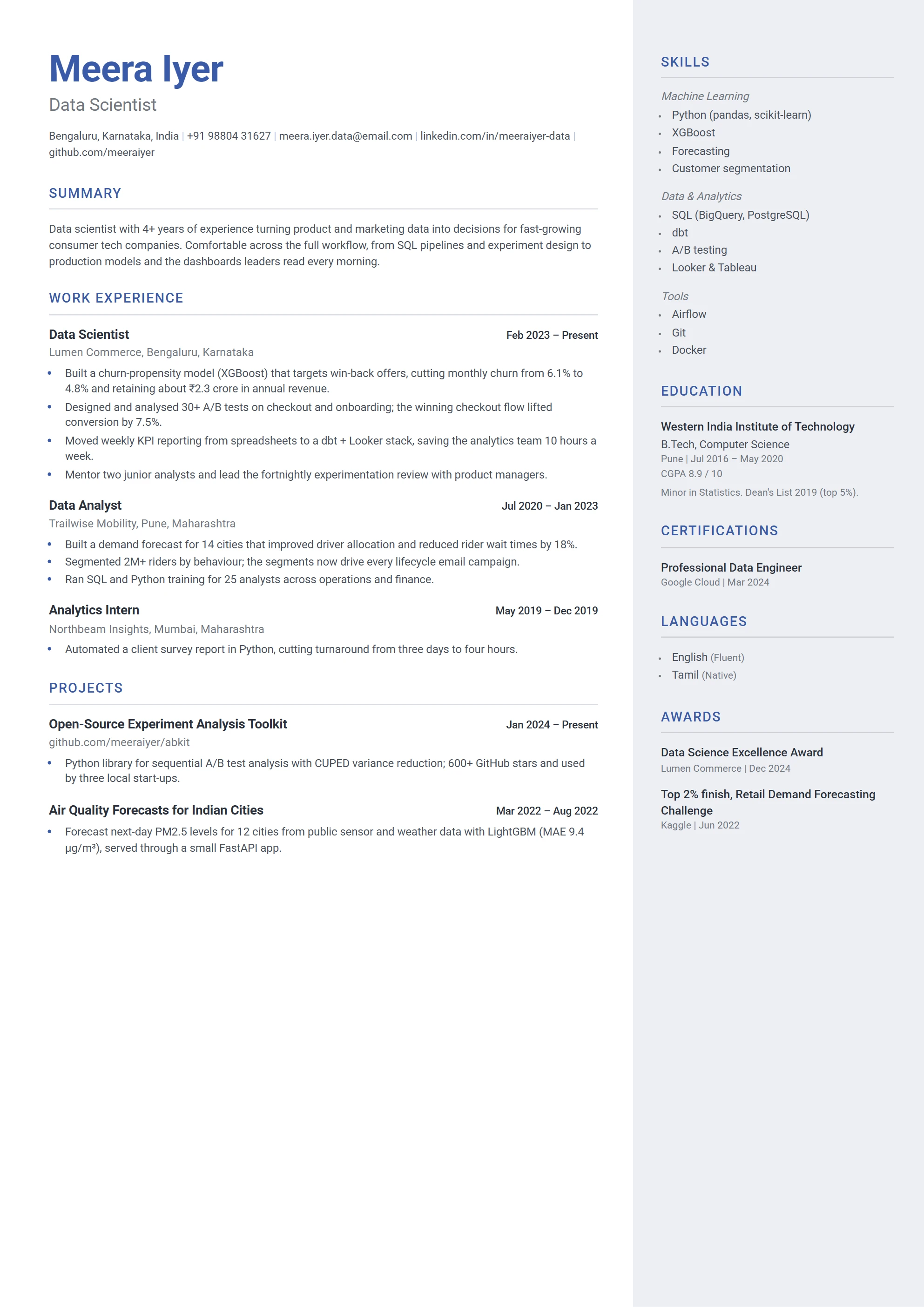
About the Cobalt resume template
Cobalt suits roles in tech, data science, software engineering and product.
- Price: Free
- ATS: ATS-friendly
- Layout: Two columns with a sidebar
- Photo: No photo
- Style: Modern and clean
- Colours: Blue
- Best for: Tech, data science, software engineering and product
Questions about Cobalt
Is the Cobalt resume template free?
Yes. Cobalt is free to use. Fill it in with the CareerCtrl AI resume builder and download it as a PDF with no watermark.
Is the Cobalt resume template ATS-friendly?
Yes. Its two columns hold real text, not images, so an applicant tracking system can read every section, and it has no photo for a parser to trip over. Fill it in, then run it through the free ATS resume checker to see your score before you apply.
Can I add a photo to Cobalt?
No. Cobalt has no photo space, which is what most employers in the US and UK expect. If the job or country asks for a photo, choose one of the resume templates with a photo instead.
Collections with Cobalt
- Modern resume templates: Most corporate and startup roles where you want a fresh, clean look.
- Free ATS-friendly resume and CV templates: Online applications through job portals and company career sites.
- Two-column resume templates: Experienced candidates with lots of skills and certifications to fit.
- Software engineer resume templates: Developers and IT roles that need room for a tech stack and projects.
Templates like Cobalt
- Onyx resume template: Also ATS-friendly and two columns, for tech and software engineering
- Vertex resume template: Also ATS-friendly, for tech
- Peony resume template: Also two columns, for tech
- Streamlined ATS resume template: Also ATS-friendly, for tech
Check your resume with the free ATS resume checker
How to use the Cobalt resume template
- Open the Cobalt resume template in the CareerCtrl AI resume builder. It's free to start, with no card needed.
- Add your details, or import an existing resume and let CareerCtrl fill in the sections for you.
- Use the AI suggestions to tailor each section to the job you want, then check the result against the job description.
- Download your resume as a PDF. You can switch to another template at any time without typing anything again.